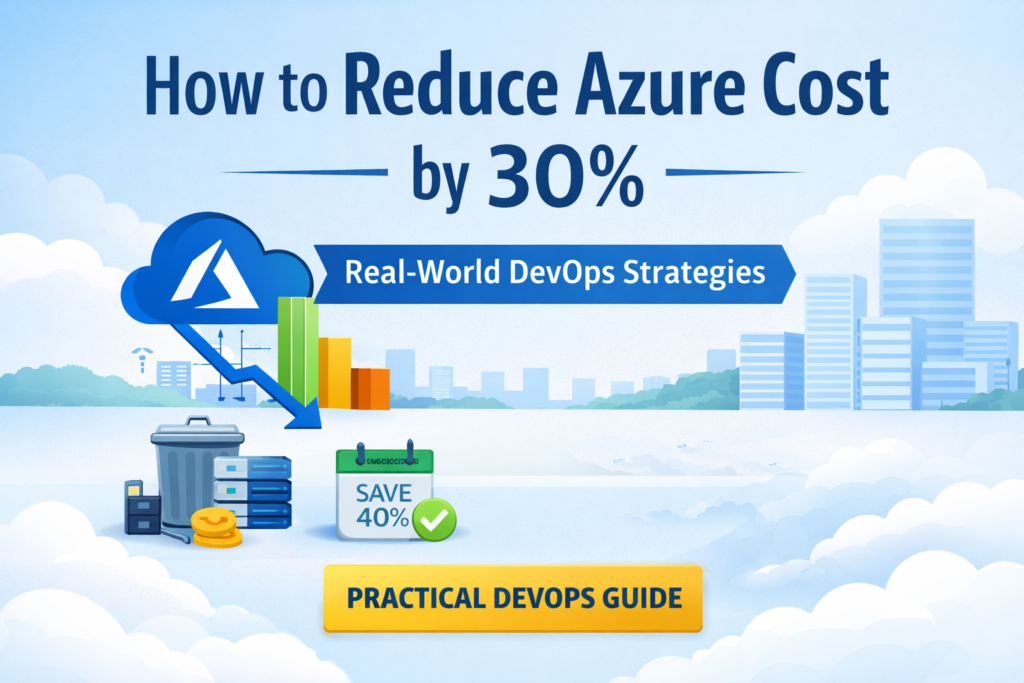
How to Reduce Azure Cost by 30%: Real-World DevOps Strategies
Cloud costs can quickly spiral out of control if not managed properly.
In many projects I’ve worked on, I’ve consistently seen 20–30% unnecessary Azure spend — not because of scale, but due to inefficiencies.
In this guide, I’ll walk you through practical, real-world strategies to optimize your Azure costs without impacting performance.
1. Identify and Remove Idle Resources
One of the biggest cost leaks in Azure comes from unused resources.
These include:
- Virtual Machines left running
- Unattached managed disks
- Old snapshots and backups
What you should do:
- Review resources weekly
- Delete or stop unused services
- Automate cleanup using scripts or policies
👉 This alone can reduce costs by 10–15%.
2. Use Reserved Instances for Predictable Workloads
If your workloads run continuously, pay-as-you-go pricing is expensive.
Azure Reserved Instances allow you to:
- Commit to 1 or 3 years
- Save up to 40–60% on compute
Best use cases:
- Production workloads
- Databases
- Long-running applications
3. Enable Autoscaling
Running infrastructure at peak capacity all the time is wasteful.
Autoscaling ensures:
- Resources scale up during demand
- Scale down during low usage
Where to apply:
- Virtual Machine Scale Sets
- Kubernetes clusters
- App Services
👉 This improves both cost and performance.
4. Optimize Storage Costs
Not all data needs premium storage.
Azure provides multiple storage tiers:
- Hot (frequent access)
- Cool (infrequent access)
- Archive (rarely accessed)
Strategy:
- Move old data to Cool/Archive tiers
- Regularly review storage usage
5. Set Budgets and Cost Alerts
Many teams overspend simply because they don’t monitor usage.
Fix:
- Set budget limits in Azure Cost Management
- Configure alerts for threshold breaches
👉 This helps you act before costs escalate.
6. Use the Right Tools for Cost Visibility
Manual monitoring is not enough at scale.
Using the right tools can help:
- Identify inefficiencies
- Recommend optimizations
- Automate cost tracking
Final Thoughts
Azure cost optimization is not about cutting resources blindly.
It’s about:
- Understanding usage
- Applying the right strategies
- Continuously monitoring and improving
Even small changes can lead to significant savings over time.
📩 Want More Practical DevOps Tips?
I share real-world strategies on:
- Azure cost optimization
- DevOps automation
- CI/CD improvements
👉 Join my free newsletter: devopswarm
If you found this helpful, share it with your team or connect with me on LinkedIn.
— Bhaskar